
Halyard Coffee 3h
Six lots on the table this morning. Two of them are the same farm, one year apart.
9 replies · 212 likes
Threads post scheduler
Create your Threads content alongside your other channels. Refine the caption, plan the timing, and see how each post was delivered, all from one workspace.
Six lots on the table this morning. Two of them are the same farm, one year apart.
9 replies · 212 likes
The rules
Taken from Threads's own developer documentation, not from a marketing page.
| Content types | Text posts, Image posts, Carousels up to 20 images |
|---|---|
| Media rules | Up to 20 images via public URL; past the first, Postauto publishes them as a carousel. Text-only posts fully supported |
| Account requirement | Any Threads profile (no business account required) |
Any Threads profile (no business account required).
Departure
In the composer
Write once, tick your Threads account alongside anything else you post to, and the card beside the draft shows the post the way Threads will. Anything Threads would refuse is said before you schedule, not the next morning.
On the board
Scheduled posts line up by time. You see what leaves next, what already departed, and what needs a look, without opening anything.
After it leaves
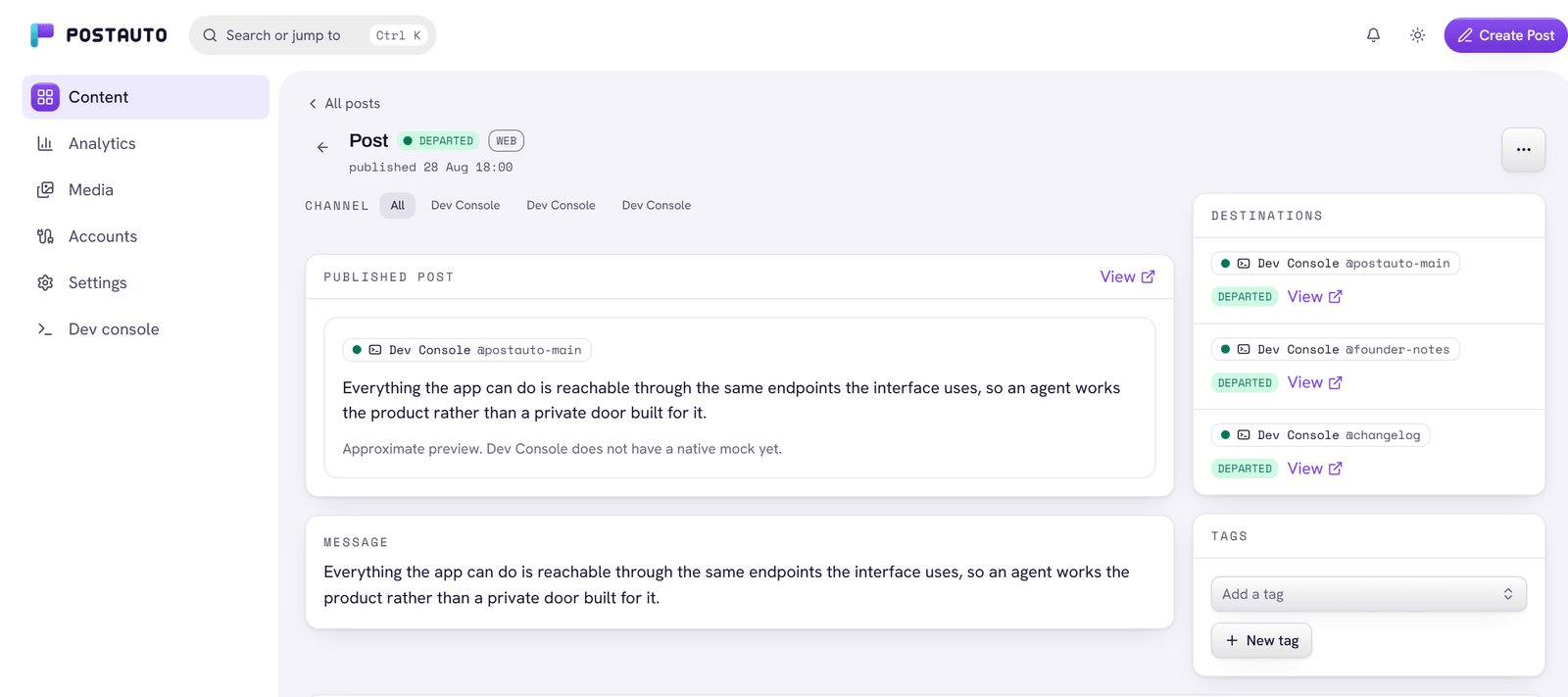
Every channel reports separately. A Threads rejection does not stop the other networks, and the network's own error text is shown on the board in plain language.
At rest
Your Threads credentials are encrypted before they reach the database, are never logged in plaintext, and are decrypted only at the moment of publishing.
Per-channel results
One post, one row per channel. Departed channels carry a link to the live post; a failed channel carries the network's own error text, so you know whether to fix the wording, the media, or the connection.
Tick these next to Threads in the composer and they all leave at the same time.
Text posts, Image posts, Carousels up to 20 images. Up to 20 images via public URL; past the first, Postauto publishes them as a carousel. Text-only posts fully supported.
Yes. Write it once, tick Threads beside the other accounts, and each network shows its own preview before anything leaves. A channel can carry its own wording without touching the rest.
Any Threads profile (no business account required).
Open Channels in your workspace to see connection options. Any Threads profile (no business account required).
Grants from public profiles expire after 90 days; Postauto tracks expiry and prompts reconnects. Threads is the most solo-friendly Meta surface: any profile can connect.
Yes. One composer publishes to any mix of your connected channels, and each network's limits are checked per selected channel. Every channel departs at the same scheduled time.
Each channel reports its own result. If Threads rejects a post, your other selected networks still publish, the post is marked partial, and the board shows a readable error for the failed channel.
Yes. Every plan starts with a 14-day free trial. You choose a plan and give a card at checkout, nothing is charged until the trial ends, and cancelling before then costs nothing.
Next departure
Build your publishing workflow in one workspace. Every plan starts with 14 days free.