Dev.to article scheduler
Schedule articles (Markdown) to dev.to
Draft once, pick your dev.to channel next to any other network you post to, and set the time. Postauto holds the limit of 800,000 characters (description); 128 characters (title) against your draft, departs every channel at that minute, and tells you what dev.to did with it.
The rules
The dev.to rules Postauto works to
Taken from dev.to's own developer documentation, not from a marketing page.
Count your draft against this limit, and against every other network at the same time. No account needed.
| Content types | Articles (Markdown) |
|---|---|
| Character limit | 800,000 characters (description); 128 characters (title) |
| Media rules | Attachments are not sent; embed images in the Markdown body |
| Account requirement | An API key you generate in your own dev.to settings |
| Availability | Live |
Network note
No approval process and the key does not expire. Long form: the first line of your post becomes the article title.
Departure
What happens to a dev.to post
-
In the composer
The 800,000 limit is checked before you schedule
Write once, tick your dev.to account alongside anything else you post to, and the counter runs against 800,000 characters (description); 128 characters (title) while you type. Over the limit means you cannot schedule, not a failure tomorrow morning.
-
On the board
Departures, not a spreadsheet of rows
Scheduled posts line up by time. You see what leaves next, what already departed, and what needs a look, without opening anything.
-
After it leaves
A dev.to result of its own
Every channel reports separately. A dev.to rejection does not stop the other networks, and the network's own error text is shown on the board in plain language.
-
At rest
Credentials encrypted with AES-256-GCM
Your dev.to credentials are encrypted before they reach the database, are never logged in plaintext, and are decrypted only at the moment of publishing.
Per-channel results
You can see what each network did
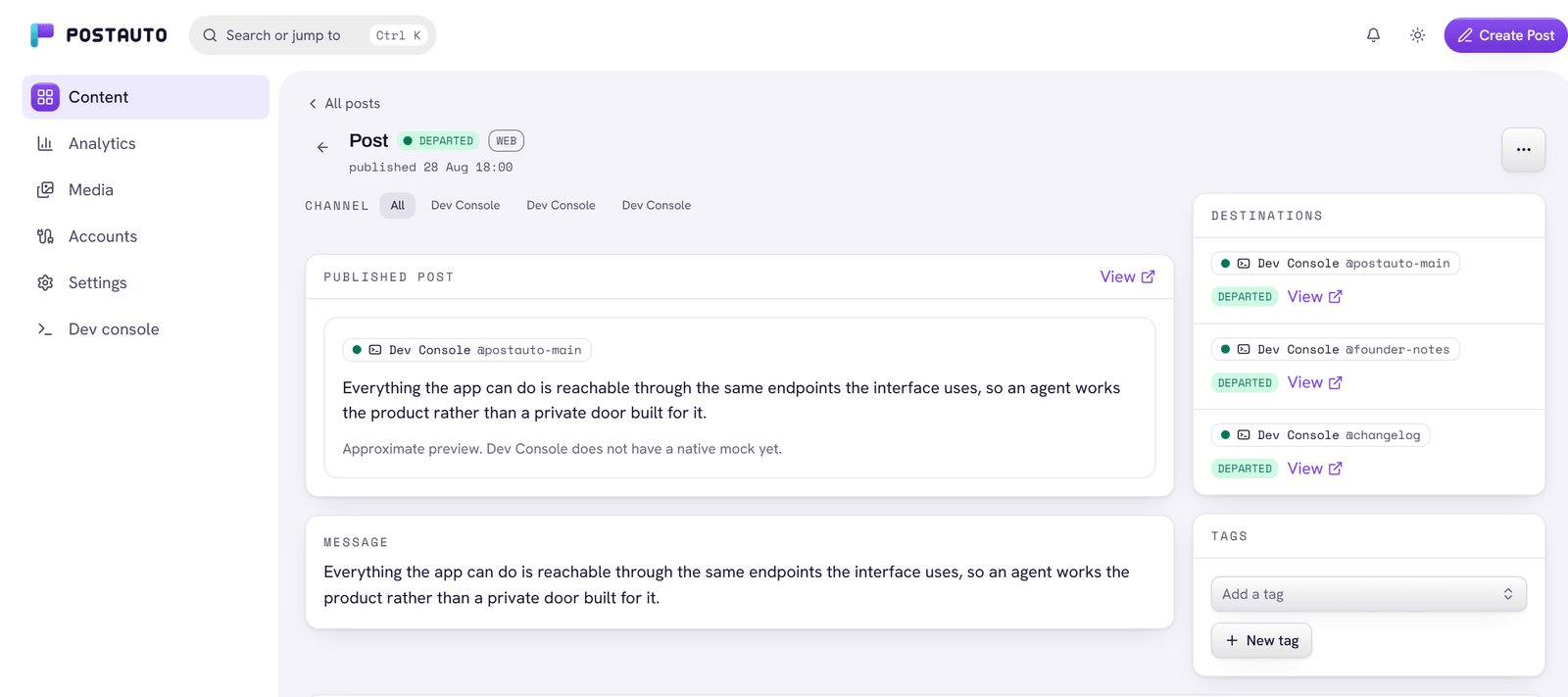
One post, one row per channel. Departed channels carry a link to the live post; a failed channel carries the network's own error text, so you know whether to fix the wording, the media, or the connection.
Send the same draft to
Tick these next to dev.to in the composer and they all leave at the same time.
dev.to scheduling questions
What can I publish to dev.to with Postauto?
Articles (Markdown). Attachments are not sent; embed images in the Markdown body.
What is the dev.to character limit?
800,000 characters (description); 128 characters (title). The Postauto composer checks this limit against every account you select before the post is scheduled, so nothing fails at departure time over length.
What do I need to connect dev.to?
An API key you generate in your own dev.to settings.
Is dev.to scheduling available on Postauto right now?
Yes. dev.to publishing is live for every Postauto account today.
Anything specific to dev.to I should know?
dev.to runs on Forem, and the body limit is a BYTE ceiling rather than a character count, so accented or non-Latin text reaches it sooner than the number suggests. Up to four tags per article, which is Forem's own limit.
Can I post to dev.to and other networks at the same time?
Yes. One composer publishes to any mix of your connected channels, and each network's limits are checked per selected channel. Every channel departs at the same scheduled time.
What happens if a dev.to post fails?
Each channel reports its own result. If dev.to rejects a post, your other selected networks still publish, the post is marked partial, and the board shows a readable error for the failed channel.
Is there a free plan?
Yes. The free plan includes 1 channel · 15 posts a month, no card required.
Next departure
Put dev.to on the board
Connect the account, write the post, set the time. The free plan covers 1 channel · 15 posts a month.